




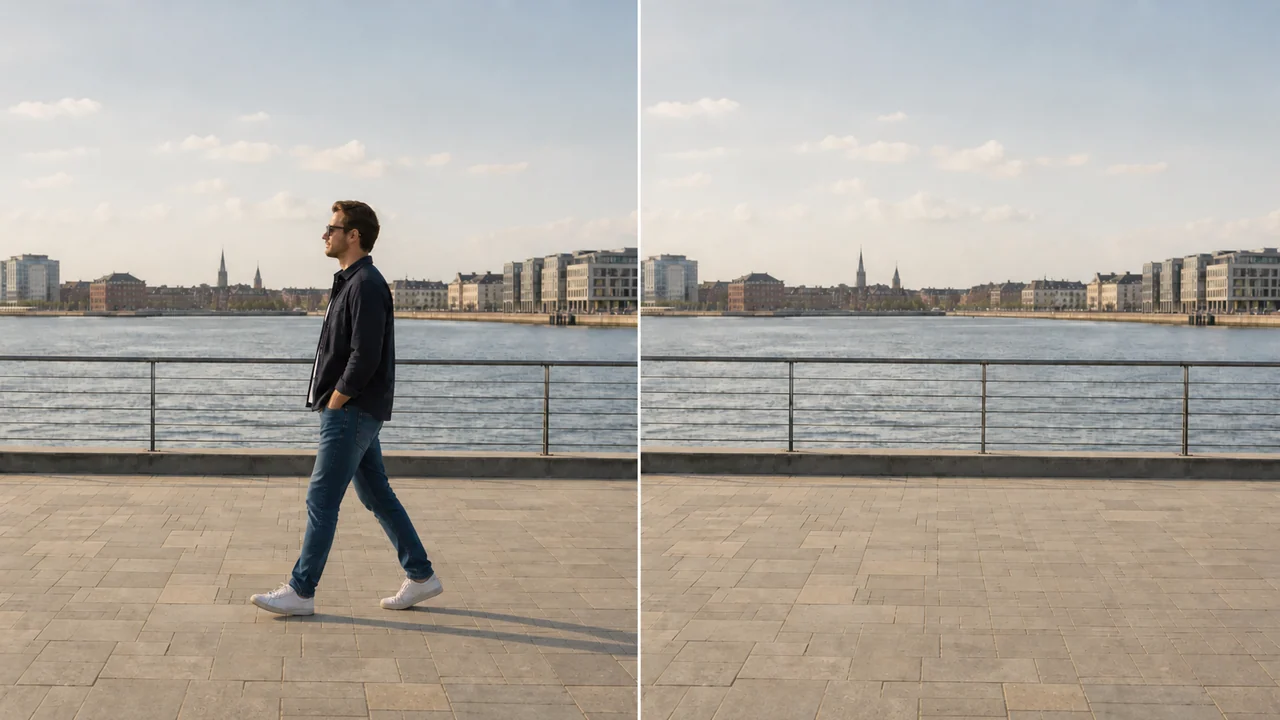
AI Video Background Remover Online
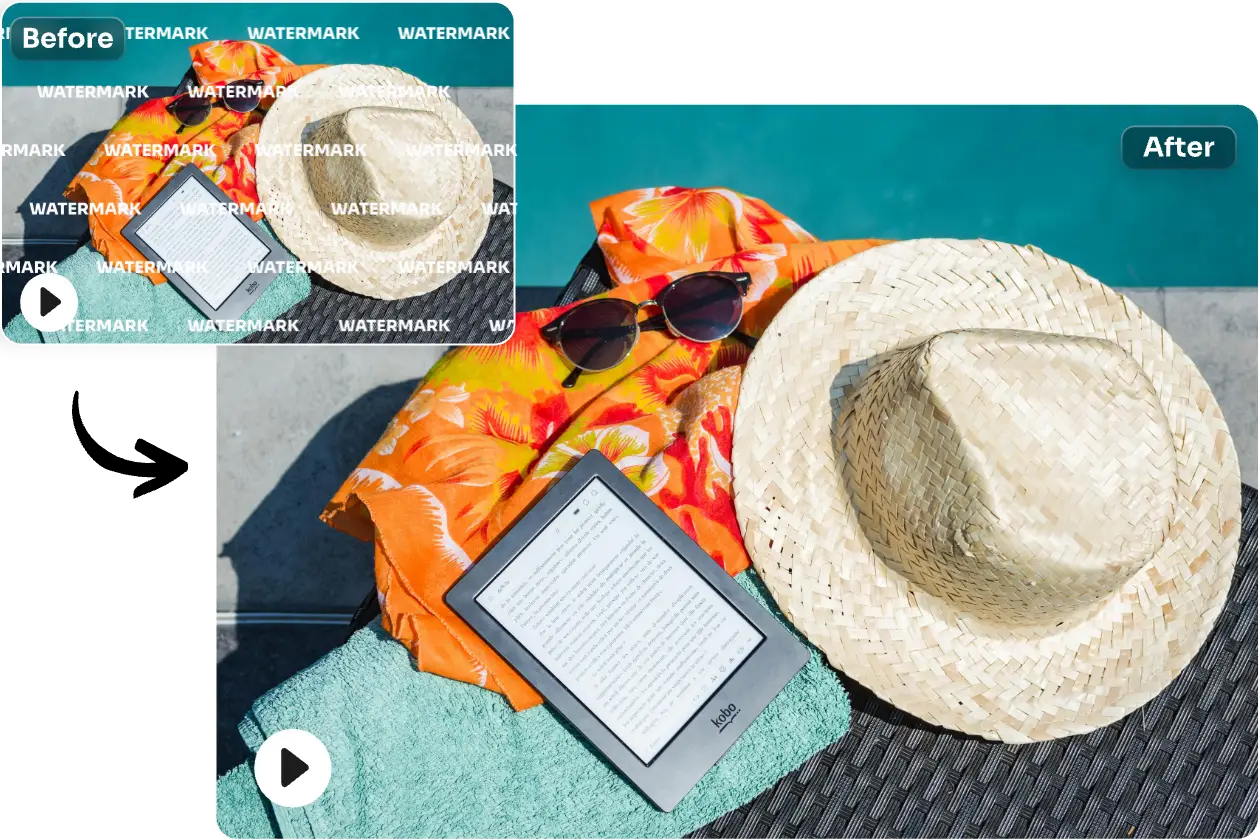
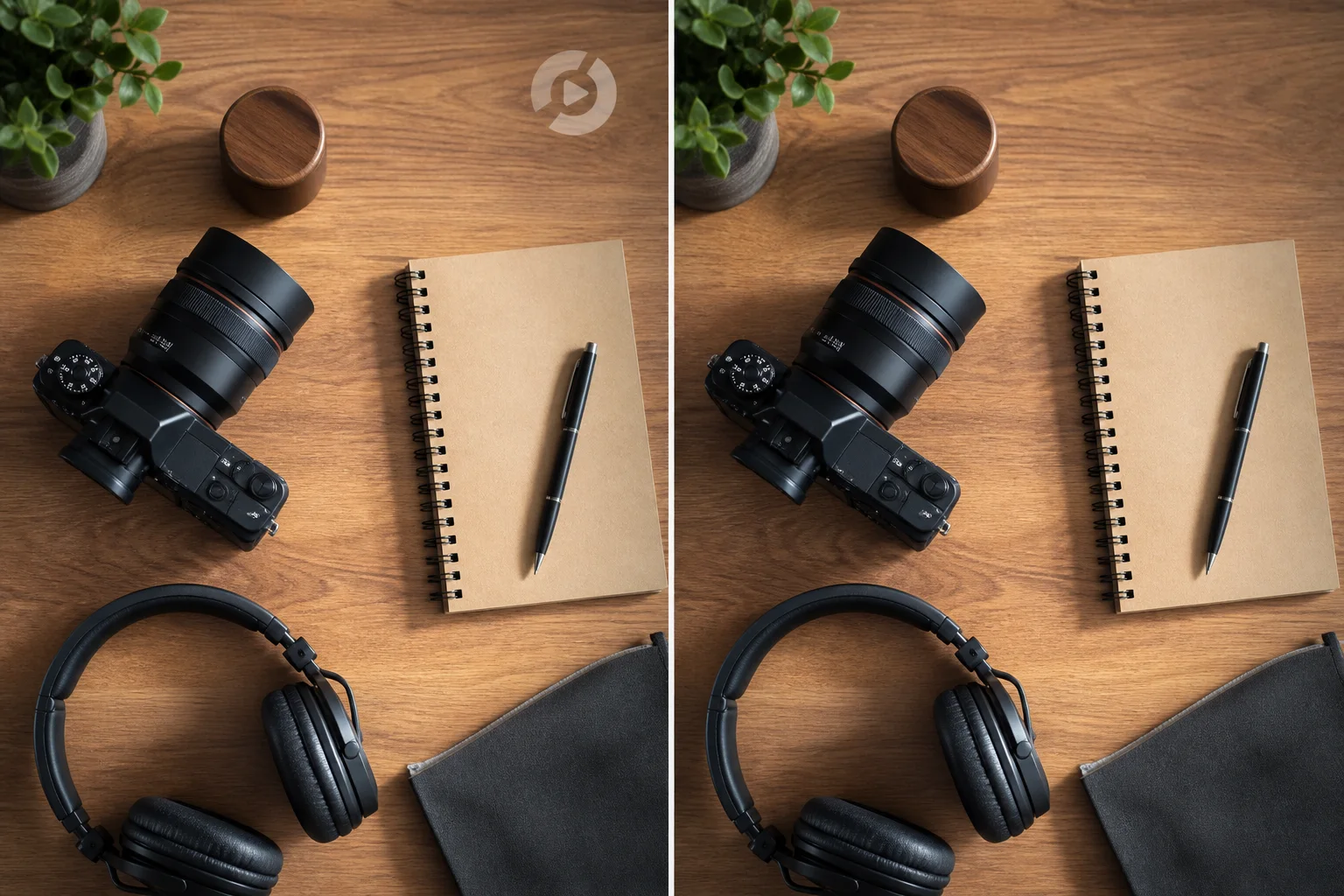
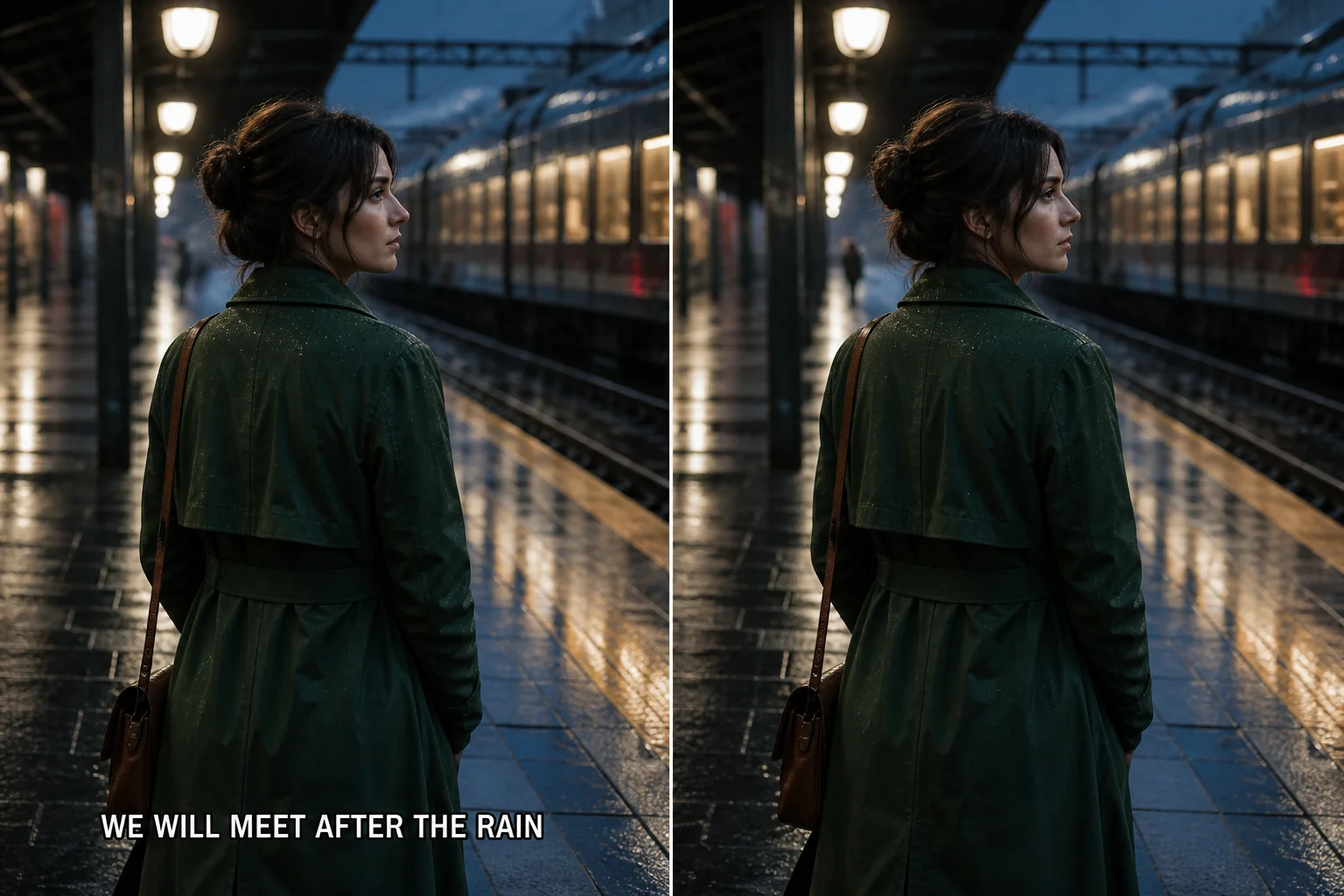
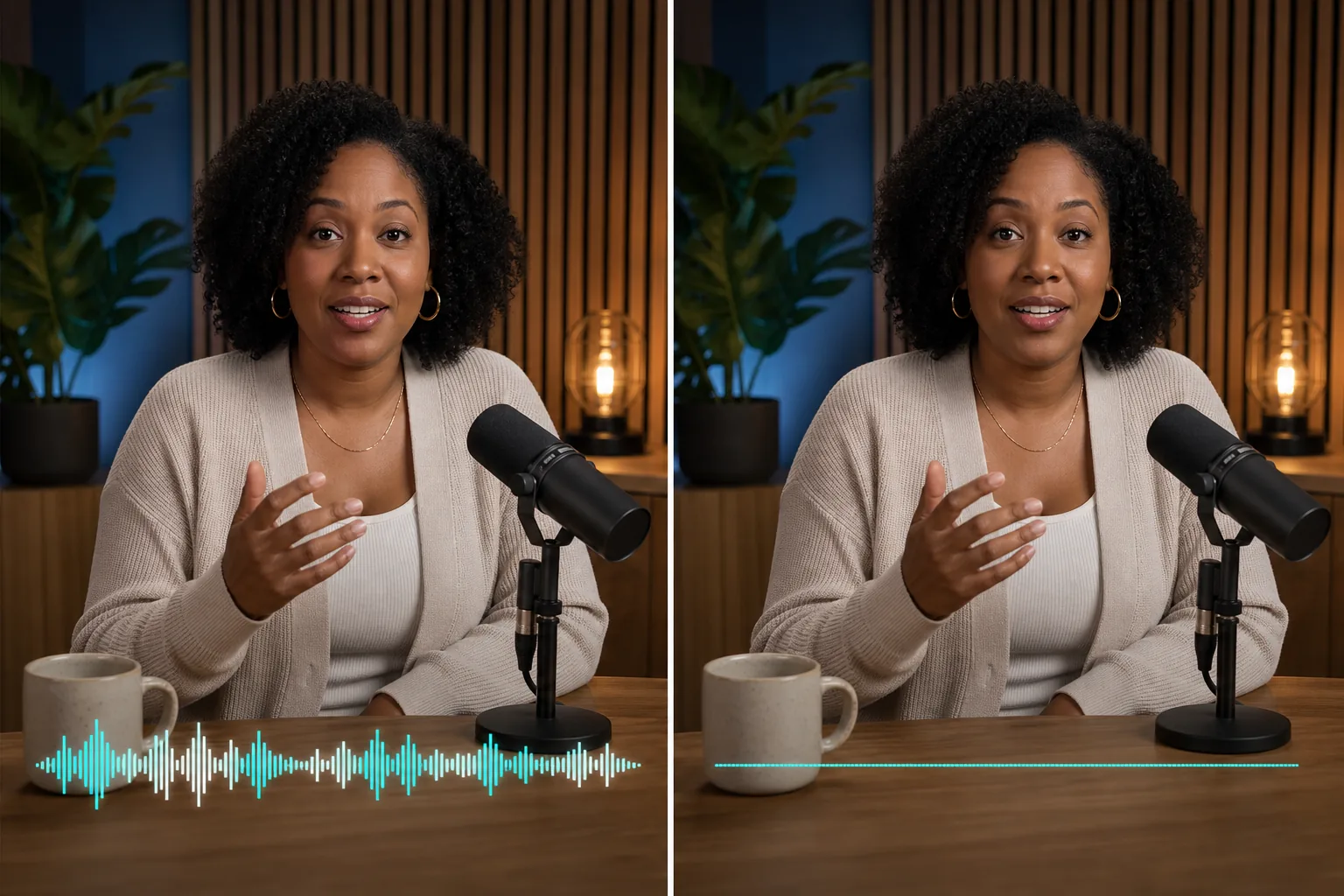
Remove video backgrounds online, compare the result in motion, export transparent video, or replace the background with your own image in Premium.
Background
Practical guide
Remove Video Backgrounds, Then Choose Your Finish
Remove a video background and review the result in motion before you download. Start with the Free workspace for a short clip, or use Premium when you need a cleaner subject cutout, transparent output, or your own image behind the subject.
Step-by-step workflow
- Upload an MP4, MOV, MKV, or WebM source clip and check that the preview plays normally.
- Use Free for a short review, choosing transparent, color, image, or video background options available in the workspace.
- For Premium, choose transparent output or upload a PNG, JPG, or WebP image to replace the background.
- Compare hair, hands, reflections, and fast movement against the original before downloading the result.
Formats and limits
Free and Premium accept MP4, MOV, MKV, and WebM source videos up to 100MB. Premium supports videos up to 10 minutes. For Premium background replacement, use a PNG, JPG, or WebP image up to 10MB.
Premium supports transparent output or image replacement, including a solid-color PNG, JPG, or WebP image that you upload. It does not offer a separate color picker or video background. Premium credits are reserved from the rounded-up source duration at 8 credits per second, with a 40-credit minimum and 4,800-credit maximum.
Privacy and permissions
Upload only footage you own or are authorized to process. Download completed videos promptly, review the Privacy Policy for current handling terms, and avoid uploading private or rights-restricted footage without permission.
Real-world review example
Example: remove the background from a short product clip, then review the subject boundary while hands move across the frame. If the final destination needs brand artwork, switch to Premium and use the approved image as the replacement background.
Frequently asked questions
- Does this page process my uploaded video today?
- Yes. Free processing is available for short clips in the workspace. Premium processing is available for signed-in users and creates a background-removed result asynchronously.
- Which background options are available in Premium?
- Premium supports transparent output or a replacement PNG, JPG, or WebP image. A solid-color image works as a pure-color background; Premium does not support a video background or a separate built-in color picker.
- How are Premium credits calculated?
- Credits are based on the source video duration: 8 credits for each rounded-up second, with a 40-credit minimum and a 4,800-credit maximum. The server checks the actual duration before reserving credits.
