


1
Choose the Right Clip
Select the section where the logo, timestamp, or overlay is most visible. A free remove watermark from video test is more reliable when it includes motion, changing light, and detailed backgrounds.
Use AI to remove watermark from video clips, clean distracting marks, and save a clearer version without a complicated editing workflow.














Explore the toolkit
Jump straight into a focused workspace for removing distractions, replacing backgrounds, or improving video quality.
Remove Watermark from Video is a practical video watermark remover for cleaning unwanted marks while preserving the scene and framing.
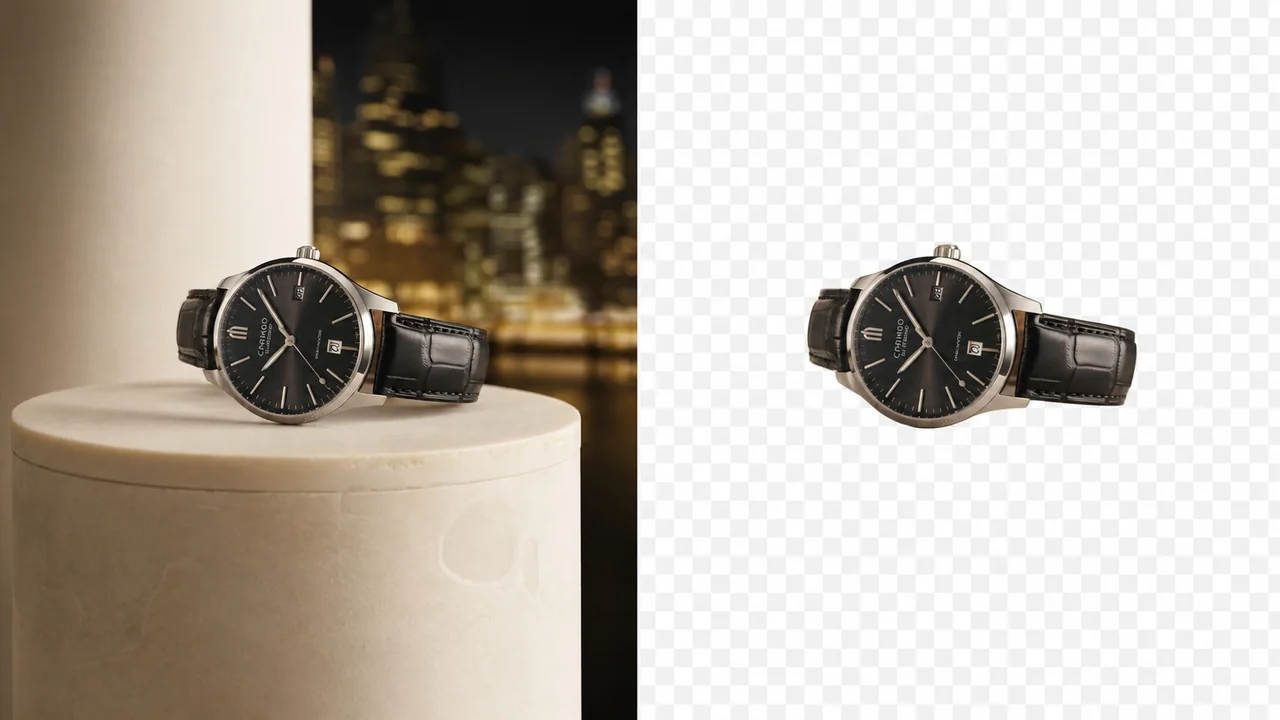
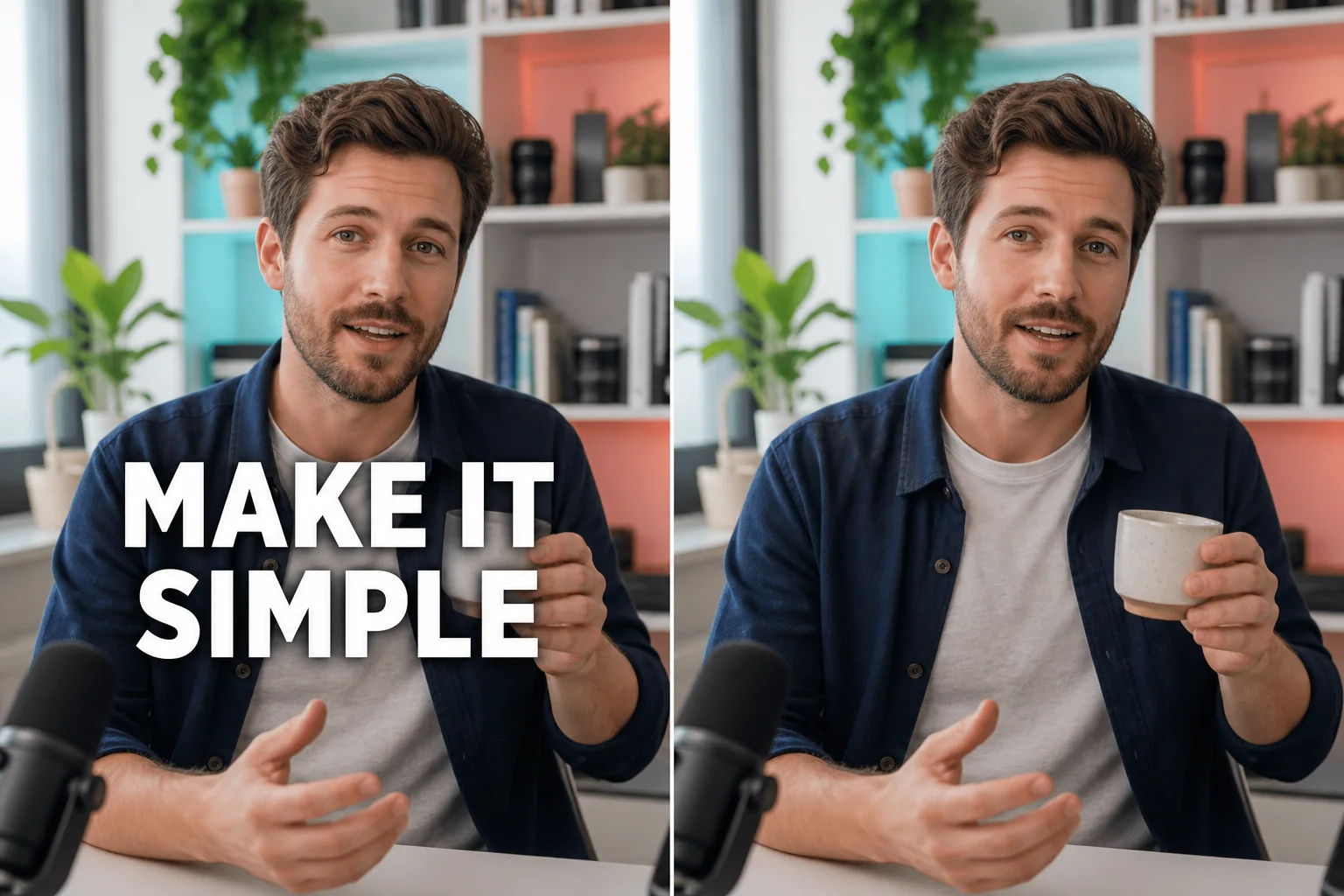
Remove Watermark from Video when a corner logo or centered stamp interrupts a useful clip. Keep the original framing, then review the repaired area against the source before you share it.
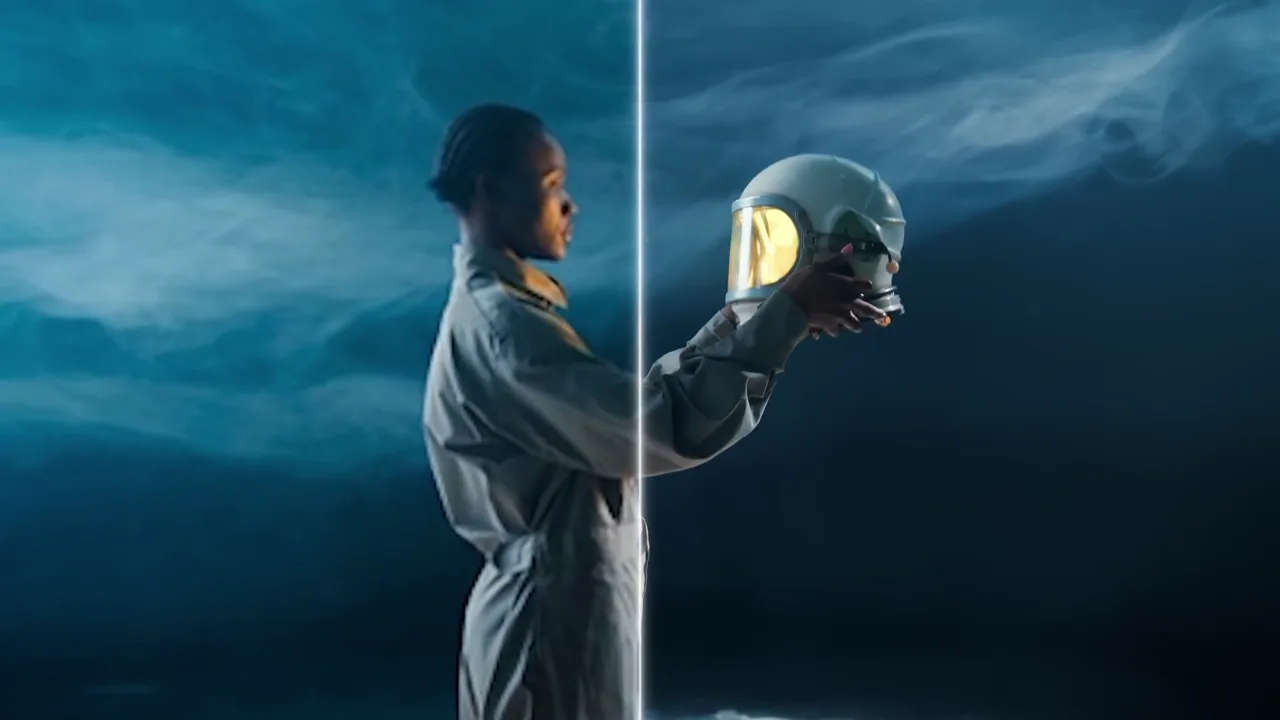
A video watermark remover should be judged across movement, not on one polished still. Check edges, light changes, and background detail so the cleaned area remains less noticeable through the sequence.
Use a free remove watermark from video sample to test the most demanding seconds first. This helps you see whether the result fits a social post, lesson, demo, or personal archive.
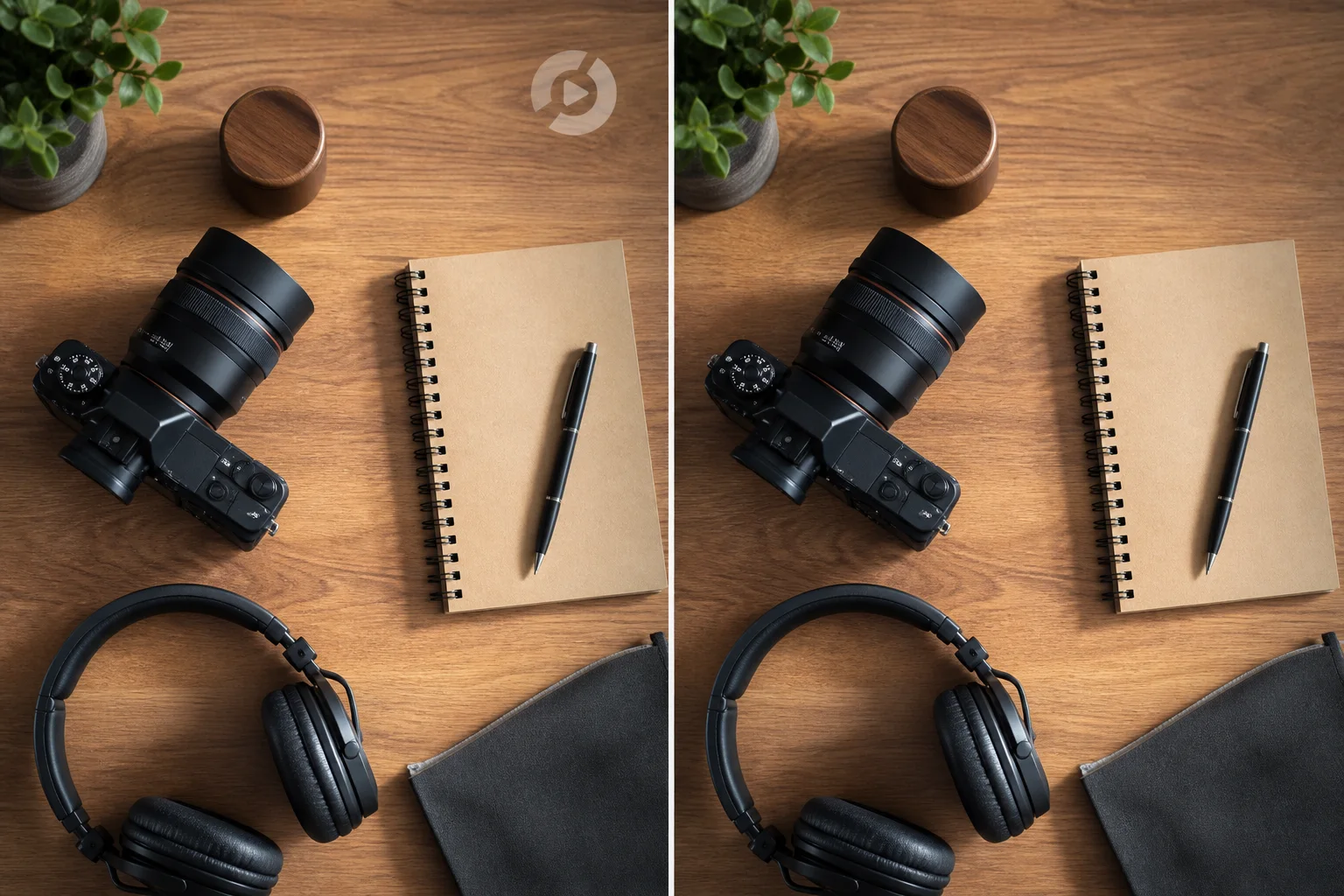
A free watermark remover video preview lets you compare the original and cleaned version at the size viewers will actually use. Make the decision with real playback, not a tiny editing preview.
Blur hides a mark but leaves a soft patch; cropping removes context; AI cleanup aims to preserve the whole composition. Remove Watermark from Video gives you a focused way to compare those trade-offs.
Use Remove Watermark from Video for reposts, client clips, screen recordings, family footage, and campaign assets when an unwanted overlay steals attention from the message.
Remove Watermark from Video in three steps: choose a clip, target the unwanted mark, and compare the result in motion before downloading.
Select the section where the logo, timestamp, or overlay is most visible. A free remove watermark from video test is more reliable when it includes motion, changing light, and detailed backgrounds.
Use the video watermark remover workflow to address one distracting area without changing the story of the shot. Keep the original framing in mind rather than treating a crop as the only solution.
Watch the original beside the cleaned version at delivery size. Remove Watermark from Video works best when you judge texture, movement, and readability across the full clip.
Five real-world reasons to use a free watermark remover video workflow before a clip reaches an audience.
“I use Remove Watermark from Video as a free watermark remover video review for short family clips. It helps me check that repaired texture still respects the recording’s mood.”
Nora Hayes
Archive Producer
“The free remove watermark from video test lets me assess a repurposed campaign clip before it goes live. I can check the cleaned section where viewers will actually see it: on a phone.”
Priya Okoye
Social Video Strategist
“For a free watermark remover video product demo, a video watermark remover gives our team a faster comparison than rebuilding the shot. We check labels, reflections, and the background.”
Marcus Shah
Product Content Lead
“A free watermark remover video preview is useful for tutorial footage because interface details need to stay clear. I review the whole interaction, not just one clean-looking screenshot.”
Sofia Bennett
Learning Experience Designer
Creators, archive teams, educators, and marketers use Remove Watermark from Video when a logo, timestamp, or overlay distracts from footage worth seeing.
Families and archivists use Remove Watermark from Video to make old recordings easier to revisit. A date stamp or channel bug can pull focus from people and places; careful cleanup helps preserve the feeling of the original moment.
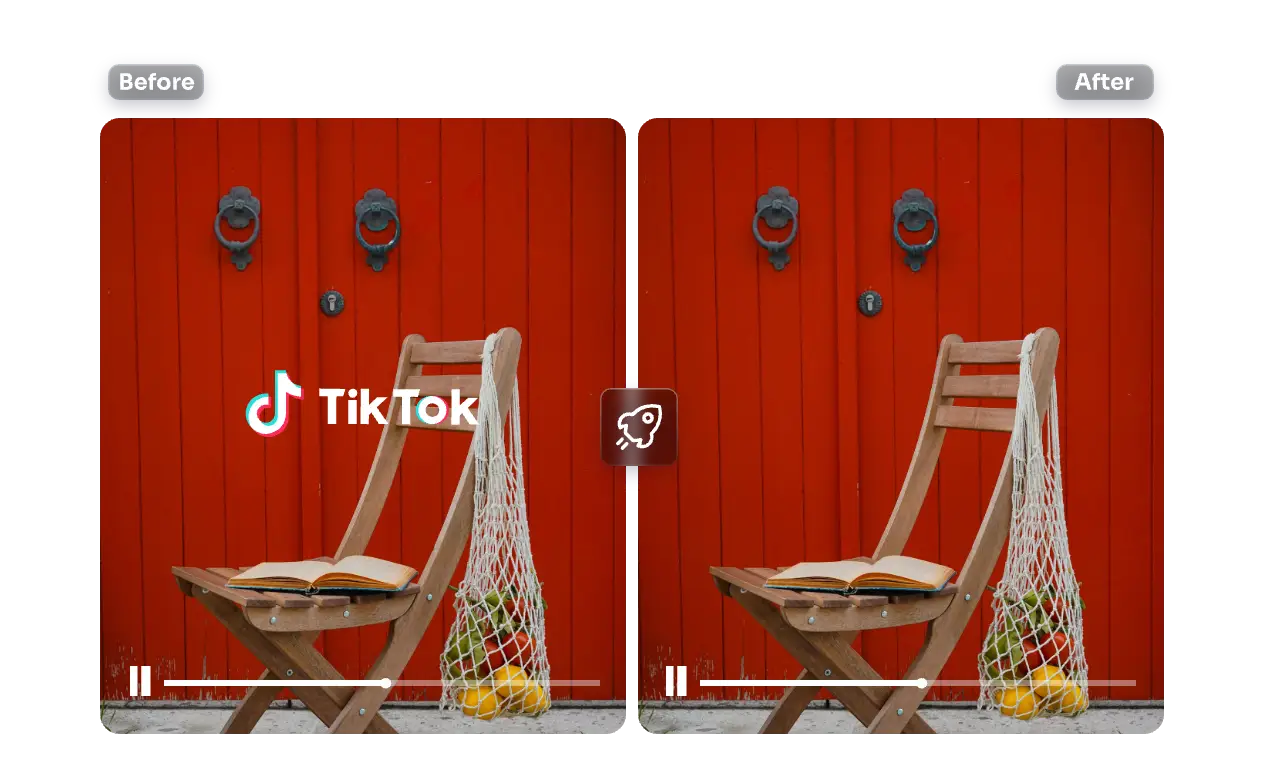
Creators and marketing teams use a video watermark remover when a strong clip is limited by an old logo or reused overlay. Remove Watermark from Video helps them check the repaired result before a repost, launch, or client review.
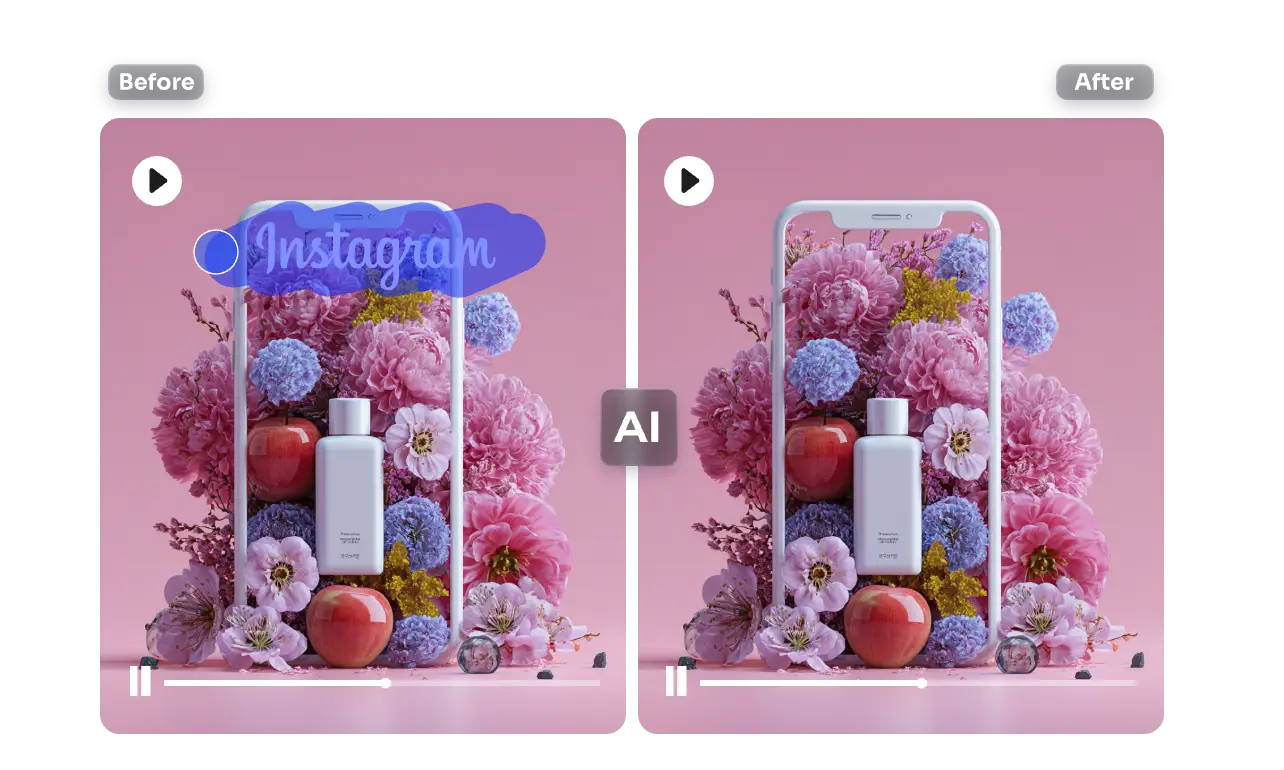
Teachers, game editors, and product teams use Remove Watermark from Video when a mark competes with instructions, HUD details, or a live demonstration. The goal is simple: make the important moving information easier to follow.
Choose a free remove watermark from video test or a free watermark remover video plan for longer clips and repeat cleanup work.
For solo creators enhancing short videos
$117.6 billed annually
For teams improving frequent video assets
$239.4 billed annually
For studios and high-volume enhancement workflows
$1,199.4 billed annually
Questions about your plan? Reach us atsupport@removewatermarkfromvideo.net
Practical answers about AI cleanup, video watermark remover choices, and free remove watermark from video tests.
Remove Watermark from Video uses AI to clean logos, captions, dates, and channel marks from moving footage. Try a free remove watermark from video sample, inspect the repaired area in motion, and export when the scene feels coherent.
Yes. Cropping can remove faces, product details, or deliberate composition. A video watermark remover aims to reconstruct the marked area while keeping the original frame intact. Use Remove Watermark from Video when the mark sits inside a shot you need to preserve.
A free remove watermark from video test lets you check texture, motion, and lighting around a removed mark. Start with a difficult short section, then compare it at your audience’s viewing size.
Use a free watermark remover video test before a larger cleanup task, especially for social exports, demos, lessons, or family recordings. Remove Watermark from Video helps you judge the repaired area in real context.
Creators refresh clips, marketers prepare campaign footage, educators clarify demonstrations, and archive teams preserve memories. Remove Watermark from Video gives each group a quick way to reduce visual distraction while protecting the story.
Blur can hide a mark quickly but can leave a soft patch that still draws attention. A video watermark remover aims to blend surrounding texture and motion more naturally. Use Remove Watermark from Video when presentation quality matters.
A free remove watermark from video preview shows how cleanup behaves through movement, changing light, and fast action. Select a clip with detailed backgrounds, then let Remove Watermark from Video be judged across the whole sequence.
Yes. A free watermark remover video workflow can assess timestamps, broadcaster bugs, or logos in archival footage. Remove Watermark from Video cannot recreate missing source detail, so review faces, fabrics, and grain before export.
Desktop software offers manual masks, keyframes, and compositing controls. Free remove watermark from video processing provides a browser-first comparison. Use Remove Watermark from Video for a focused test and desktop tools for elaborate retouching.
Watch the repaired area beside the original at normal speed. Look for repeated texture, flicker, shifting edges, or mismatched light. Remove Watermark from Video succeeds when viewers follow the content instead of the cleanup.
Free remove watermark from video testing suits short social clips because compression and fast cuts reveal problems quickly. Test the busiest background, then use Remove Watermark from Video to check the result on a phone-sized player.
A free watermark remover video test helps screen recordings when a corner mark competes with instructions or interface labels. Remove Watermark from Video lets you check text and cursor movement at the resolution learners use.
No. An editor remains best for cuts, audio, captions, timing, and color. Remove Watermark from Video handles one narrow job: reducing a visual distraction while retaining the shot.
Start with the highest-quality source and select a sample where the mark appears under difficult conditions. A video watermark remover benefits from clear surrounding pixels and stable framing. Use Remove Watermark from Video at delivery size.
Free remove watermark from video processing lets you test a real visual problem before trying a manual workaround. Inspect the cleaned motion and download only when the scene looks coherent from beginning to end.